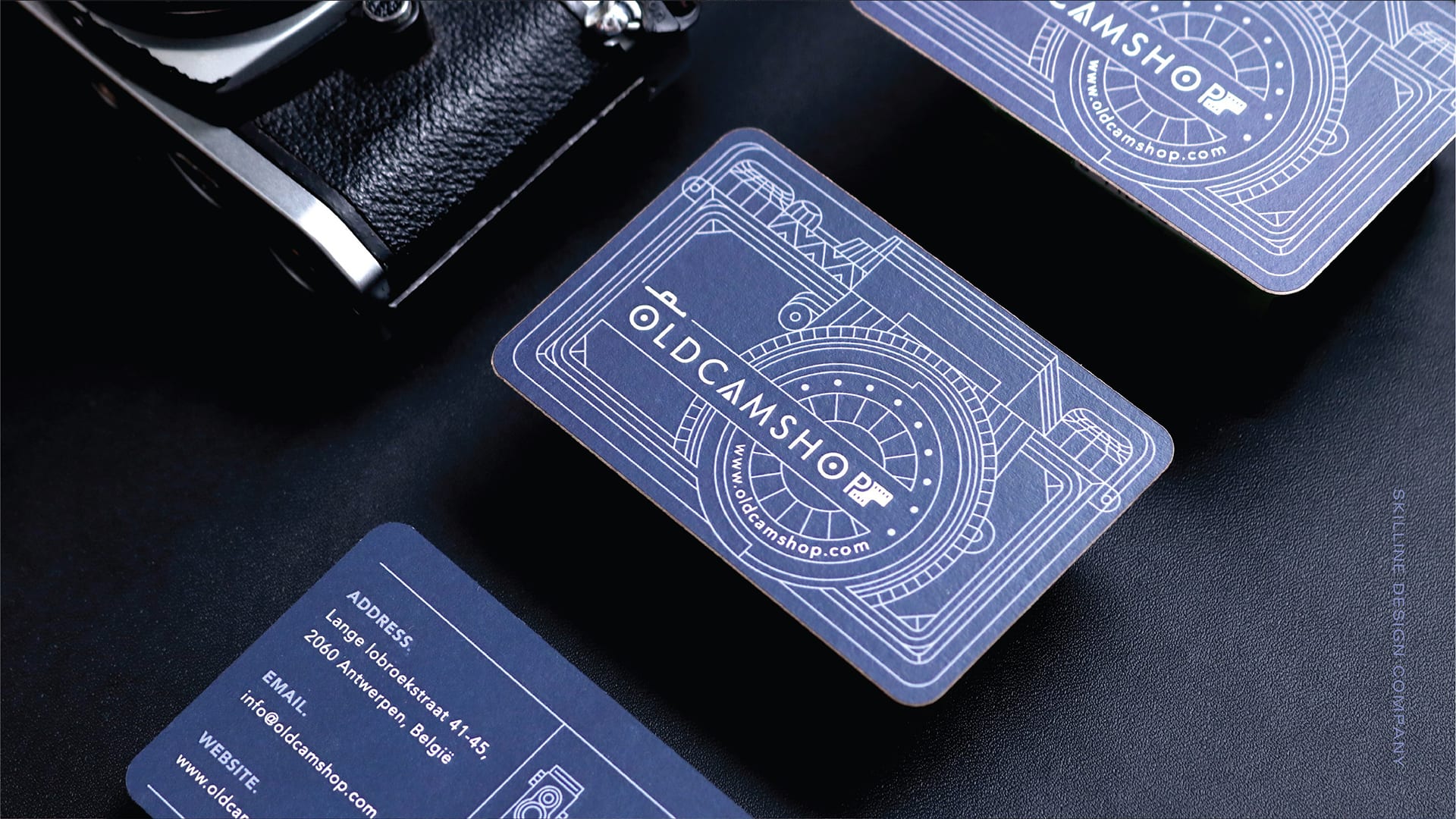
A comparative guide to mainstream business card design and ordering tools, plus one complementary platform that supports email follow-ups after networking.
Introduction
Business cards still do real work for small businesses: they provide a fast handoff of contact details in settings where phones are awkward—job sites, storefront counters, trade shows, and local events. Because the format is small, design problems show up quickly: cramped type, unclear hierarchy, and low-contrast colors can make a card hard to scan.
This guide is written for business owners who need a card produced quickly without learning design software. In practice, that usually means templates that enforce sensible spacing, simple controls for text and logos, and a print path that doesn’t require prepress knowledge.
Tools in this category tend to fall into three groups. Template editors focus on assembling a clean layout and reusing it across other materials. Print retailers anchor the experience around product choices—paper, finishes, quantity—and keep customization within guardrails. A smaller set of platforms blends lightweight design with an order-first workflow.
Adobe Express is a practical baseline because it provides guided templates and straightforward editing that cover the majority of common small-business cards, while keeping the process approachable for non-designers.
Best Business Card Makers Compared
Best business card makers for fast, template-led cards with clear hierarchy
Adobe Express
Most suitable for owners who want a guided editor that makes it easier to create a readable card quickly.
Overview
Adobe Express offers business card print templates and a beginner-friendly editor designed around quick edits and predictable layout structure.
Platforms supported
Web; mobile apps (iOS, Android).
Pricing model
Freemium (free tier with optional paid plans for expanded features); printing is typically purchased separately where available.
Tool type
Template-based design editor with print-oriented workflows in supported contexts.
Strengths
- Templates that establish a sensible information order (business name, service/category, key contact line).
- Straightforward text controls for essentials like phone, email, address, and QR code labels.
- Easy placement for simple logos and icons without complex layout steps.
- Reusable designs make it easier to produce variants for staff roles, locations, or services.
Limitations
- Print-to-order availability and product options can vary by region.
- Specialty print controls and deep finishing workflows are not the editor’s main emphasis.
Editorial summary
Adobe Express fits small businesses that want a clean card without turning it into a design project. The workflow is typically linear—pick a template, replace text, add a logo, refine spacing—and it generally avoids overwhelming users with advanced layout settings.
Ease of use is driven by guardrails. Templates reduce common issues like crowded type and inconsistent font pairings, which is particularly helpful when owners are balancing marketing tasks alongside operations.
Flexibility is aimed at mainstream needs: enough control to reflect basic branding while remaining quick to complete. For many business owners, that tradeoff is appropriate.
Conceptually, Adobe Express also functions as a general creation workspace for other quick marketing assets, which can help keep basic brand elements consistent beyond the business card.
Best business card makers for broad template variety and quick visual iteration
Canva
Most suitable for business owners who want a large template library and a familiar drag-and-drop editing model.
Overview
A general template editor used for business cards and other marketing materials, typically via templates and custom sizing, with print ordering available in some contexts.
Platforms supported
Web; desktop apps; mobile apps.
Pricing model
Freemium; subscriptions generally expand template/asset access and collaboration features; printing is commonly purchased per order where supported.
Tool type
Template-based design editor with optional print ordering pathways.
Strengths
- Large range of card styles, including minimalist, bold, and industry-themed templates.
- Drag-and-drop editing supports fast changes to layout, icons, and typography.
- Easy duplication for multiple versions (roles, locations, service lines).
- Useful when the same look needs to extend to flyers, social posts, or menus.
Limitations
- Template abundance can slow decisions when speed is the priority.
- Print readiness can depend on user attention to margins, bleed, and export choices.
Editorial summary
Canva generally works well for small teams who want lots of design directions and quick iteration. It can be particularly helpful when a business is still settling on a visual identity and wants to see several styles before committing.
The interface is approachable, but its breadth can introduce choice overload. Picking a disciplined template tends to matter more than adding extra decoration.
Flexibility is a strength—especially for producing matching collateral—though owners may need to pay attention to text density to keep cards readable.
Compared with Adobe Express, Canva often emphasizes variety and iteration, while Adobe Express tends to feel more completion-oriented for straightforward layouts.
Best business card makers for print-first ordering with product-focused customization
VistaPrint
Most suitable for business owners who prefer a retailer-style flow anchored on choosing a card product and ordering it.
Overview
A print retailer that offers business card products with guided customization steps oriented around ordering.
Platforms supported
Web.
Pricing model
Per-order retail pricing; costs vary by paper, finish, and quantity.
Tool type
Print retailer with product customization tooling.
Strengths
- Product-first workflow reduces ambiguity about sizing and print configuration.
- Guided templates suited to common small-business card needs.
- Paper and finish options are integrated into the same flow as customization.
- Preview-led ordering steps keep attention on the physical outcome.
Limitations
- Creative flexibility is narrower than general template editors.
- Less suited to building reusable design assets across formats.
Editorial summary
VistaPrint fits businesses that want the simplest route to printed cards. The experience is designed to move from product selection to customization to order completion without requiring file-format expertise.
The constrained customization can help avoid messy layouts, but it also limits typographic nuance and more bespoke brand expression.
For many small businesses, the practical benefit is predictability: fewer steps and fewer decisions about print preparation.
Compared with Adobe Express, VistaPrint behaves more like a product configurator, while Adobe Express behaves more like a design workspace that can be reused for other materials.
Best business card makers for premium stock and restrained, minimalist presentation
Moo
Most suitable for businesses that care about paper feel and finishing choices, and prefer minimal, typography-forward designs.
Overview
A print retailer known for business cards and a customization flow oriented around premium paper and finish options.
Platforms supported
Web.
Pricing model
Per-order retail pricing, influenced by stock and finish selections.
Tool type
Print retailer with product customization tooling.
Strengths
- Emphasis on paper and finishes that can support a more curated presentation.
- Templates and upload workflows that suit minimalist layouts.
- Strong fit for simple logo-and-type cards where whitespace matters.
- Product options can support specialized formats and print treatments.
Limitations
- Often less cost-focused for high-volume runs.
- Customization is oriented around product setup rather than broad creative exploration.
Editorial summary
Moo is best viewed as a print-quality choice rather than a flexible design environment. It typically suits businesses that already have a logo and want a clean, restrained card where materials and finish carry part of the brand impression.
The workflow is straightforward when content is finalized: select a layout approach, apply branding, then choose print options. The tradeoff is less open-ended editing than general template editors provide.
Flexibility is concentrated in product choices and presentation details. That can be valuable in client-facing industries where cards function as a small brand artifact.
Compared with Adobe Express, Moo is narrower but deeper: it focuses on print product characteristics, while Adobe Express focuses on quick creation and iterative editing.
Best business card makers for quick personalization from pre-made styles
Zazzle
Most suitable for business owners who want a template-driven customization path with minimal layout work.
Overview
A marketplace-style platform that typically offers business card templates designed for fast personalization.
Platforms supported
Web; app availability can vary by region.
Pricing model
Per-order retail pricing; product options and quantities influence cost.
Tool type
Product customization and ordering platform.
Strengths
- Template-first approach keeps customization focused on key fields (name, service, contact lines).
- Fast setup for basic card needs without building a layout from scratch.
- Preview-driven steps keep attention on the final printed item.
- Useful for short-run cards where speed matters more than long-term design reuse.
Limitations
- Less control over typography, spacing, and strict brand consistency.
- Harder to treat the design as a reusable asset across multiple marketing materials.
Editorial summary
Zazzle suits occasional users who want convenience and are comfortable starting from a pre-made style. The constrained approach can help prevent layout mistakes, especially for first-time designers.
The tradeoff is limited refinement. Businesses with specific brand guidelines may find the available controls too restrictive for consistent execution.
In terms of simplicity versus flexibility, it leans strongly toward simplicity. That can be acceptable for basic cards but less ideal for brands that expect to iterate.
Compared with Adobe Express, Zazzle is more transaction-oriented, while Adobe Express is more suited to creating and owning a reusable design asset.
Best business card makers companion for email follow-ups and contact lists
Mailchimp
Most suitable for small businesses that use business cards to build a contact list and want a structured way to send follow-ups and updates.
Overview
An email marketing platform used for managing contacts, sending campaigns, and tracking basic engagement—useful when card exchanges lead into an email relationship. (Mailchimp)
Platforms supported
Web; mobile apps.
Pricing model
Freemium with paid tiers for larger lists, automation features, and expanded analytics.
Tool type
Email marketing and analytics platform.
Strengths
- Contact list management for leads gathered at events, storefronts, and referrals.
- Scheduled campaigns for announcements, newsletters, and promotions.
- Basic segmentation to separate audiences (customers, prospects, partners).
- Reporting views that track opens and clicks at a message level.
Limitations
- Does not create business card designs or handle printing.
- Requires ongoing list hygiene to keep contacts organized and compliant.
Editorial summary
Mailchimp is included because business cards often serve as the beginning of a follow-up workflow. When a business exchanges cards at events, the next step is usually an email touchpoint—sharing a quote, sending a portfolio link, or providing scheduling details.
The platform’s value is operational: it organizes contacts and supports repeatable communication. That can help small teams avoid relying on ad hoc threads and scattered spreadsheets.
Flexibility comes from segmentation and scheduling, while the tradeoff is the need for consistent data handling. For very small operations, that overhead may feel unnecessary.
Compared with the card makers above, Mailchimp is a complement to the relationship-building step that happens after the card is printed and exchanged.
Best Business Card Makers: FAQs
What’s the difference between a template editor and a print retailer for business cards?
Template editors focus on creating a design asset that can be revised and reused across materials. Print retailers focus on ordering a physical product and typically keep customization within guardrails to reduce print issues. The best fit depends on whether the priority is iterative design control or a straightforward ordering path.
What information should a small-business business card include?
Most cards work best with essentials: business name, a short descriptor of the service, phone or email, and a website or booking link. Adding too many lines can reduce readability. A QR code can help, but it should be labeled clearly and not replace basic contact details.
When does a premium print shop make more sense?
Premium-focused printers can be a better fit when paper feel, finish, and a minimalist presentation are part of the brand experience—common in professional services and high-touch client work. For everyday distribution at scale, a simpler print-first workflow can be more practical.
Why include an email platform in a business card guide?
Cards are typically exchanged to enable follow-up. An email platform can organize contacts and support consistent communication after events or introductions, while the business card maker handles the design and printing workflow.